How to check IESCO online bill? These are the easy steps to get it.
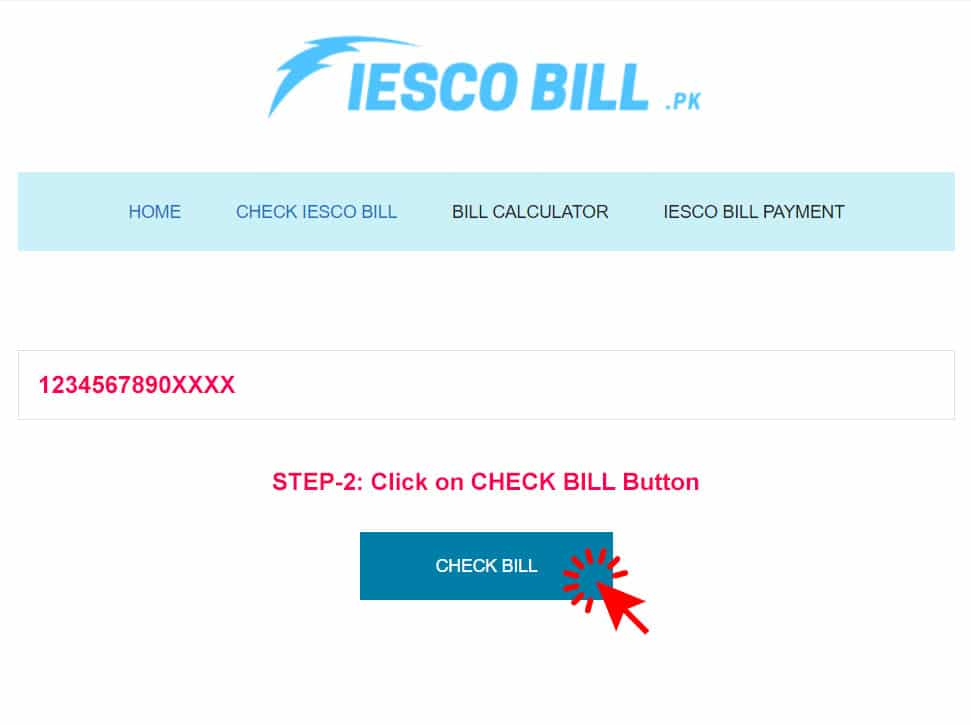
Enter Reference Number:
Visit https://iescoonlinebill.org.pk/ and enter your 14-digit reference number.

Click on CHECK BILL Button:
After entering the 14-digit reference number, click on the “Check Bill” button.
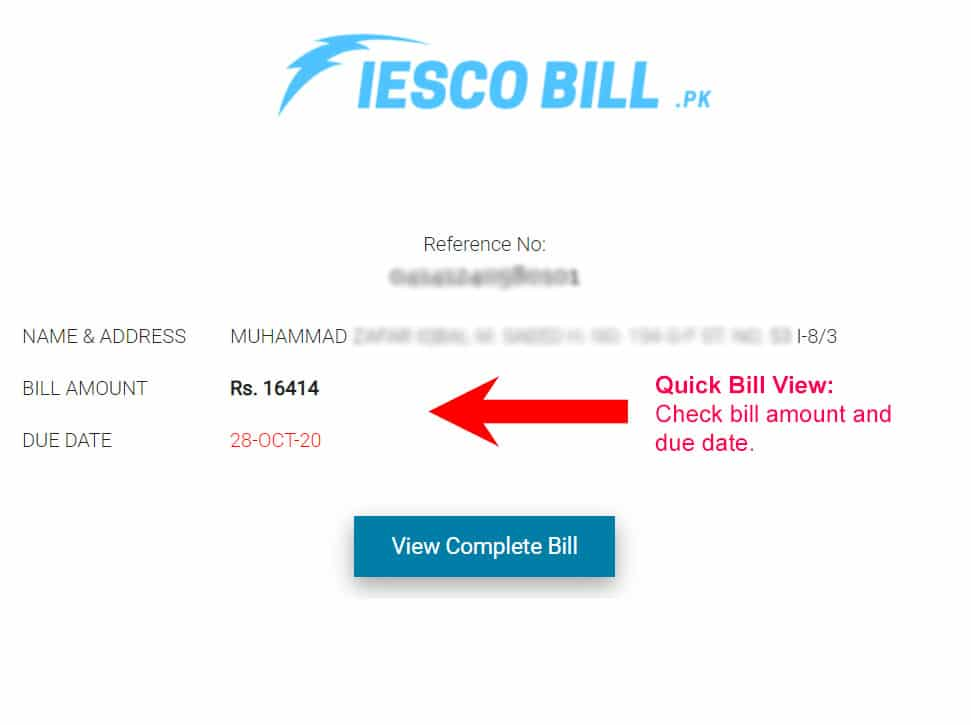
See Your Bill Amount and Due Date:
You’ll then be able to see your bill amount and due date.
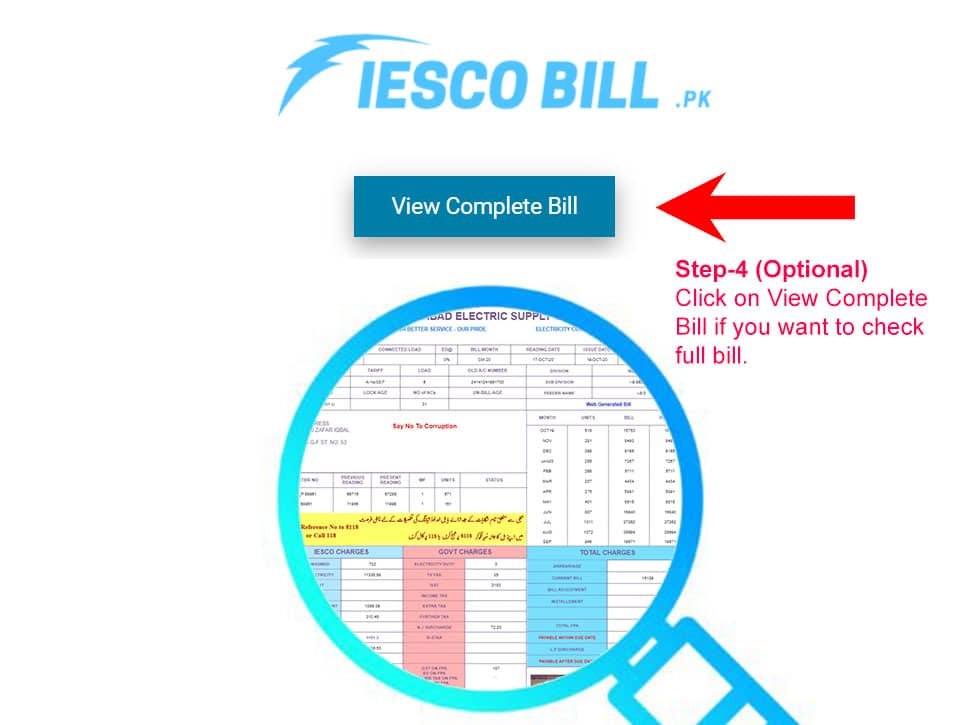
Check Full Bill:
If desired, you can view the complete bill to print or download a duplicate copy.
This is how you can check IESCO online bill free.
Frequently Asked Questions (FAQs)
You can easily check your IESCO online bill at https://iescoonlinebill.org.pk/ by entering your 14-digit reference number.
To estimate your IESCO electricity cost for residential connection, you can input your consumed units here.
IESCO subscribers can only check their bill using the 14-digit reference number, not the meter number.
Unfortunately, you cannot check your bill by name or address, only by using the reference number. If you have the 14-digit reference number, you can view your bill here.
If you didn’t receive your bill, you can get a duplicate copy of your last month’s bill here.
You can check the unit rates for IESCO’s residential connections here.
The peak hours for IESCO are from 7:00 pm to 11:00 pm. IESCO advises its customers to try reducing electricity consumption during these hours.
The procedure to change the consumer name on the IESCO bill is the same as applying for a new connection. You can visit the IESCO office and apply for a name change request.
If you want a new IESCO connection, you will need to fill and submit the “Application and Agreement” form, also known as the A&A form.
Currently, you can only check the bill using the 14-digit reference number.
Simply visit our website https://iescoonlinebill.org.pk/, input your 14-digit reference number, and check your bills for free. We also offer a free service that sends your bills to your email as they are published, making it convenient for you to manage your bills.
You can pay your bill online through various banks and microfinance banks such as Meezan Bank, Allied Bank, MCB Bank, and other options like Easypaisa, JazzCash, and Nayapay. For a step-by-step guide, you can check out our guide to pay IESCO bills online.
We have built a free bill calculator that helps you calculate your bills online for free. Simply input your consumed units, and it will give you the result with the unit price after taxes.